GUIDE
How to upload beats to YouTube in bulk
Uploading one beat to YouTube takes about ten minutes. Uploading fifteen in a month — with consistent titles, matching thumbnails and a schedule you actually hold — does not cost fifteen times ten minutes: it costs a whole evening, and that is almost always where consistency dies. Here is how to prepare, upload and schedule a batch, by hand first and automatically after.
CONTENTS
THE ESSENTIALS
- YouTube is the search engine; the marketplace is only the cash register.
- Budget 20 to 40 minutes per track by hand, almost all of it retyping.
- YouTube’s native scheduling is free: a batch uploaded on Sunday can be spread across six weeks.
- Two or three releases a week held for six months beat ten releases followed by a month of silence.
01Why YouTube decides your beat sales
A type beat buyer does not start on a marketplace. They type 'travis scott type beat' into YouTube, listen to three results, and click the purchase link in the description of the one they keep. YouTube is the search engine; the marketplace is only the cash register. An inactive channel is a catalog nobody finds, however good the store behind it is.
The second effect compounds. Every published video stays indexed and keeps collecting views months later: a beat released in January can still trigger a sale in October. An upload is not an event, it is an asset that stacks on top of the previous ones. That is exactly what makes volume pay — as long as it is not paid for in quality.
02What manual uploading actually costs
The real time per track
Count honestly, stopwatch in hand: export the video (5 to 15 minutes depending on your machine), build the thumbnail (5 to 10 minutes), write title, description and tags (5 minutes), upload and wait for processing (5 to 20 minutes depending on file size and connection). That is 20 to 40 minutes per track, almost none of which is creative or up for debate — it is retyping.
The consistency that erodes
The real problem is not the cost of the first upload, it is the cost of the hundredth. A three-hour session slips easily to next weekend, then the one after. The channel goes from three releases a week to one, YouTube stops surfacing it as often, and climbing back costs far more than staying consistent would have.
The metadata that drifts
Across a catalog uploaded by hand over months, descriptions start contradicting each other: a dead purchase link here, an outdated licence price there, a contact address that is no longer right. Nobody goes back to fix fifty videos one by one. Those gaps cost sales silently, without ever showing up in any analytics screen.
03Prepare the batch before touching YouTube
Bulk uploading is not about moving faster during the upload itself: it is about having no decisions left to make at that point. For every beat in the batch, gather:
- The final video file, already encoded and named usefully (artist, title, BPM) — not "export_final_2.mp4".
- The thumbnail, at the same dimensions and on the same visual template as the rest of the catalog.
- BPM and key: many buyers filter on those, and digging them up afterwards takes longer than noting them now.
- The reference artist, which decides the title and half of your discoverability.
- The exact purchase link for that beat, not the generic link to your store.
- The target release date and time, decided up front for the whole batch.
A prepared batch uploads in a single pass. An improvised batch uploads across four round trips between your hard drive, your store and the YouTube tab — which cancels exactly the gain you came for.
04The manual method, done properly
Even if you automate later, you need to know the reference procedure: it is your fallback the day a tool breaks, and it is what tells you whether the automated result is any good.
- 1Drop the whole batchIn YouTube Studio, click "Create" then "Upload videos", and drop the whole batch of files at once.
- 2Title from the templateFill in the title using your template, never improvising it (see below).
- 3Description from the modelPaste the block, then replace the variables only: title, BPM, key, purchase link.
- 4Custom thumbnailThe frame YouTube grabs automatically is never readable at small size — and this is the first thing that slips on the last tracks of a batch.
- 5Audience declarationDeclare "No, it's not made for kids": forgetting this disables comments and part of the recommendations.
- 6Playlist right awayPut the video in its genre or artist playlist at upload time. Nobody ever does it afterwards.
- 7Schedule, do not publishAt the "Visibility" step, choose "Schedule" instead of "Public", and set that track's planned release date.
05Bulk uploading: the three methods
| Method | Cost | What it saves | Its limit |
|---|---|---|---|
| YouTube Studio multi-upload | Free, native | Upload time, and nothing else. | Every video keeps its own form to fill in. Comfortable up to five tracks, painful beyond. |
| YouTube Data API | Free, but you have to code | Everything: file, title, description, tags, thumbnail, publish date. | 10,000 quota units a day, 1,600 per upload — six videos a day, then a quota increase request to Google. |
| A publishing tool | Paid | The building itself: video, thumbnail and metadata produced from a template. | A badly set template produces the same mistake fifty times: proofreading stays mandatory. |
1. YouTube Studio multi-upload
YouTube Studio accepts several files dropped at once and queues them. It is free, native and available right now — but every video still keeps its own form to fill in. You only save upload time, never typing time. Comfortable up to five tracks, genuinely painful beyond that.
2. The YouTube Data API
It lets you script everything: file upload, title, description, tags, thumbnail, publish date. This is the clean route if you can code, with one limit worth knowing before you commit: a project gets 10,000 quota units per day by default, and a single video upload consumes 1,600 of them. That is six videos a day with the quota fully spent. Beyond that you have to request an increase from Google and justify it — neither automatic nor instant.
3. A publishing tool
A dedicated tool moves the work: you define the template once (visual, title, description, tags), drop the beats in a batch, and it builds the video, the thumbnail and the metadata for each one before scheduling the releases. The gain is not the upload — it is never retyping a description again. The trade-off is real: you have to proofread what comes out, because a badly configured template produces the same mistake fifty times instead of once.
06Scheduling: when to publish, and how often
Can I schedule uploads for specific times?
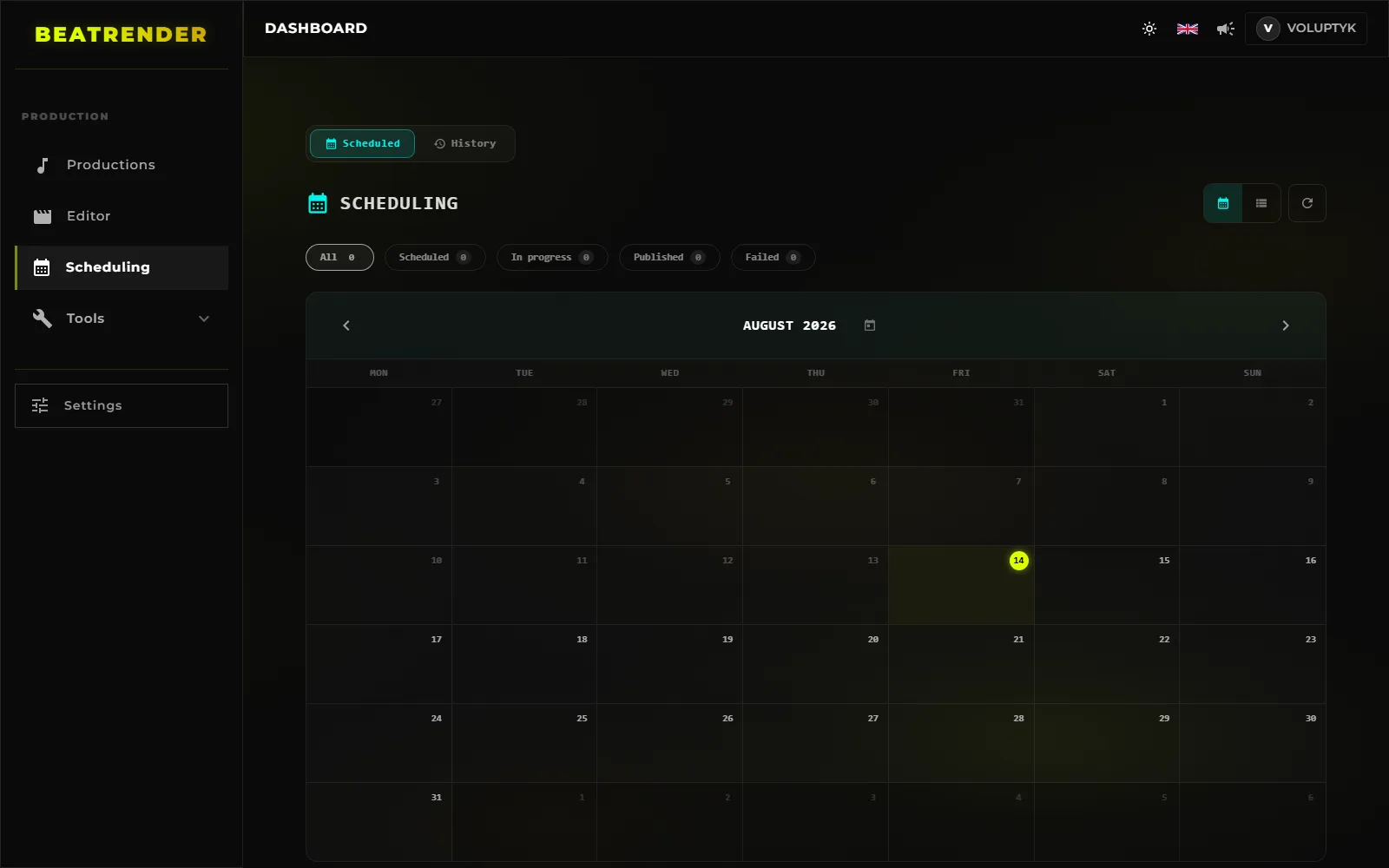
Yes, natively and for free. At the "Visibility" step of the upload, choose "Schedule" instead of "Public", then pick a date and a time. The video stays private until then and flips on its own, even with your computer off. That is what lets you upload a whole batch on Sunday and spread it over six weeks — the simplest way to hold a rhythm without thinking about it.
What time should you publish?
Do not copy the "best times" from a generic article: they are computed on audiences that are not yours. YouTube Studio gives you the exact answer for your channel, under Analytics › Audience › "When your viewers are on YouTube". Publish two to three hours before the peak: the video has time to be processed and indexed, and collects its first views while the audience is actually there.
One nuance that matters in type beats: your audience is very often North American even if you produce from Europe. Publishing at 9am your time then means releasing in the middle of the night for the people who buy. Check before locking a slot, and think in your viewers' timezone rather than your own.
How often?
Two or three releases a week sustained for six months beat ten releases in one week followed by a month of silence. The exact frequency matters less than its stability: a predictable channel gets re-evaluated continuously, a stop-start channel restarts from zero every time. Pick the pace you can hold in your worst month, not your best one. How that pace is chosen, held with a buffer of finished releases and repaired after a gap is covered in detail in the upload schedule guide.
07Keeping metadata consistent across a batch
This is what you need to hold a batch together; writing the templates themselves — slot by slot, block by block, and how they translate to the other platforms — is covered in detail in the dedicated guide to title and description templates.
The title template
Lock one shape and never deviate: '[FREE] {Artist} Type Beat - {Title}'. It is literally what people type, and consistency lets YouTube associate your channel with a reference artist. Add BPM and key at the end of the title or on the first line of the description: a share of buyers filters on those before they even listen.
The description template
Only the first two lines are visible without expanding: they must carry the purchase link and the usage terms, nothing else. Everything else — BPM, key, contact, licence notes, social links — comes after. Write that block once, keep it in a file, and change only the variables. It is the only way to still have accurate descriptions a hundred videos later.
Tags and playlists
Tags carry little weight today, but they cost nothing: reference artist name, 'type beat', genre, BPM. Playlists genuinely matter though — they chain playback and extend session duration, which YouTube watches closely. One playlist per reference artist, filled at upload time and never after.
08What YouTube penalises when you publish at volume
Publishing a lot is not a problem in itself; publishing a lot of the same thing is. The three lines not to cross:
- Re-uploading the same beat under several titles to cover several artists: that is duplicate content, and it is the most common reason type beat channels get hit.
- Reusing official music video footage as a background: Content ID catches it whatever your volume, and one claim across fifty videos has to be handled fifty times.
- Titles stuffed with artist names unrelated to the sound: that is tag abuse, and it destroys the very relevance you are trying to build.
Conversely, nothing stops you publishing several videos a day. Just know that a new channel has lower daily upload limits, and that you need to verify your account by phone to go past 15 minutes per video and to unlock custom thumbnails.
09The mistakes that come up most often
- Uploading a whole batch as "Public" at once: five videos land in the same minute, compete with each other, and the channel goes silent for the next six days.
- Forgetting the custom thumbnail on the last tracks of the batch, once fatigue sets in — those are always the ones that underperform.
- Leaving the default description on one track: the video exists, but it cannot sell anything.
- Scheduling in your own timezone when the audience is somewhere else.
- Changing your title template mid-catalog: half your videos become invisible for the queries the other half captures.
- Publishing fifteen tracks in one day "to catch up", then nothing for three weeks.
READ NEXT
- 10 MIN READHow to make a type beat videoFormats, resolution, looping, loudness, thumbnails and tags: the complete guide to turning a type beat into a YouTube video, then cutting it for 9:16.
- 10 MIN READHow to publish beats to BeatStars automaticallyPrepare your files, fill in the metadata that sells, handle licences and cover art, publish in batches and sync with YouTube and TikTok.
- 12 MIN READWhere to sell your beats: BeatStars, Airbit, TrakTrain or your own storeCommissions, payouts, licences and lock-in: what actually separates BeatStars, Airbit, TrakTrain and your own store — plus the maths that settles it.
- 11 MIN READHow to upload beats: what to settle before you clickAudio format, loudness, cover art, metadata, rights and samples: everything to settle before you upload a beat, on any platform.
- 9 MIN READTitle, description and tag templatesOne title template, one description block and a reusable tag list for every release — plus the method that stops you rewriting them on every upload.
- 12 MIN READPromoting your beats on TikTok and YouTube ShortsWhere to cut the thirty seconds, which export settings, what to write in the caption and where the buy link really lives: short-form for beatmakers.
- 17 MIN READBuilding a type beat YouTube channelLane, channel identity, playlists, thumbnails, Shorts, revenue and analytics: how to build a type beat YouTube channel that still runs a year from now.
- 15 MIN READBeat licensing and pricing: what you actually sellMP3, WAV, trackout, unlimited, exclusive: what each tier really allows, how to set your prices, and what the contract has to say in plain words.
- 14 MIN READSplitting a beat between producersWho owns what when a beat is co-produced: usual splits, BeatStars payouts, YouTube revenue, samples, and the written agreement that prevents a dispute.
- 16 MIN READHow often should you upload type beatsHow often to release, how to build a buffer of finished beats, where to place your slots, and how to restart a channel after a gap without wrecking it.
- 12 MIN READHow to promote your BeatStars beats on YouTubeWhere the buy link goes, what belongs in the two visible lines of a description, what the pinned comment is for, and how to find out which video actually sold.
- 14 MIN READConnecting your accounts to an upload toolPassword, OAuth or browser extension: what an upload tool really gets on your accounts, what it cannot do, and how to take the access back.
- 18 MIN READHow to make a type beat thumbnail that gets clicksDesign for the phone tile, three elements and never four, what the artist photo costs, and the one number that tells you whether a thumbnail works.
- 15 MIN READHow to audit a type beat channel when the views are not comingYour type beats get no views? The eight checks to run in YouTube Studio, in order, to find the link that breaks — and what to fix first.
- 15 MIN READProducer name and branding: how a beatmaker gets found by name, on every platformA producer name that can be dictated and typed, the producer tag, the “prod.” credit, one identity on YouTube, BeatStars and TikTok — and what a rename costs.
- 11 MIN READAutomating type beat uploads: one beat in, published everywhereThe eight stages of a release, what is decided once, where a publishing pipeline gets it wrong, and the five-move check to run before you trust it.